/render
Your builds, drawn and priced
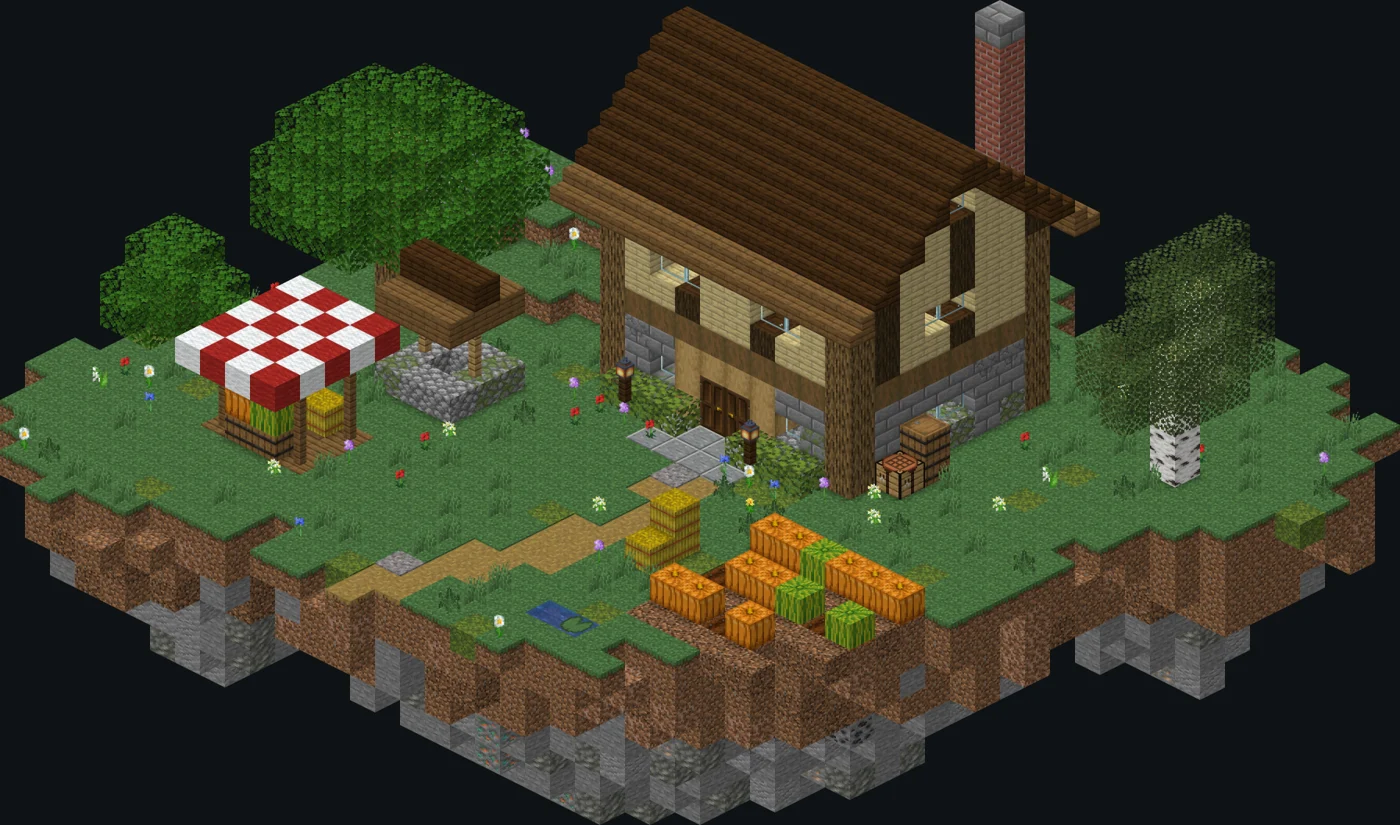
Send the bot a build and it sends back a picture of it, drawn with the game's own textures, with every block counted and the whole thing priced. On a Premium server it's lit like a shader pack too. Everything on this page is drawn by the bot's own code.
Showcase
Keep scrolling, it builds itself
Each of these came out of /render, and each goes up block by block as you scroll,
its own way. Pick another, look around it, or drop a file of your own anywhere on the page.
 Cottage36 × 30 × 32
How it works
Send a file, get a picture back
- You
Save the build
As a
.litematicfrom Litematica, a.schemfrom WorldEdit's//schem save, or an.nbtfrom a structure block. Up to 8 MB. - You
Send it to
/renderType
/render, attach the file, and send. Anyone in the server can use it. - Bot
Draws it
Every block from the game's own models and textures, with its size and block count, lit by the sun with soft shadows.
- Bot
Prices it
What every block is worth at today's prices, and what any spawners hidden in it make, one button away.
Stack calculator
How many shulkers is that?
Type a count and it packs it up. Type shulkers and stacks and it counts them. Material List does
this for every block in a build, and /stacks does it in Discord.
Try
Try it yourself
Every build here is a real file
The bot drew each of them. Download the one you picked, send it to /render in any server
with Spawner Sync, and you get the same picture back, with its material list and its estimated cost, every
block priced. They paste into a world too.
Or bring your own. Drop a .litematic, .schem or .nbt
anywhere on this page, or , and it
gets a page of its own: built in front of you, priced the way /render prices it, with what its
spawners make, a picture to save and a link to share. It's all done in your browser, so the file is never
uploaded.

Add it to your server
It's free, it never asks for Administrator, and setup is three commands.